Local image generation using ComfyUI
Last week I began experimenting with local image generation using ComfyUI. The setup has three properties worth noting:
- it runs entirely on a local workstation;
- the web interface makes the construction of workflows straightforward;
- models, prompts, and outputs remain fully under the operator's control.
My main workstation is about four years old:
- AMD Ryzen 9 5900X CPU
- RTX 3080 12 GB GPU
- 64 GB DDR4 3600 MHz RAM
Even so, generating one 1024×1024 image and upscaling it takes about three minutes.
The setup I am experimenting with:
- ComfyUI for node-based workflow building
- FLUX.1-dev (quantized to FP8) as the main image generation model (note: licensed for non-commercial use)
- FLUX's standard dual text encoders (T5-XXL and CLIP-L) for prompt understanding and guidance
- A realism LoRA stacked on top of FLUX for more lifelike output
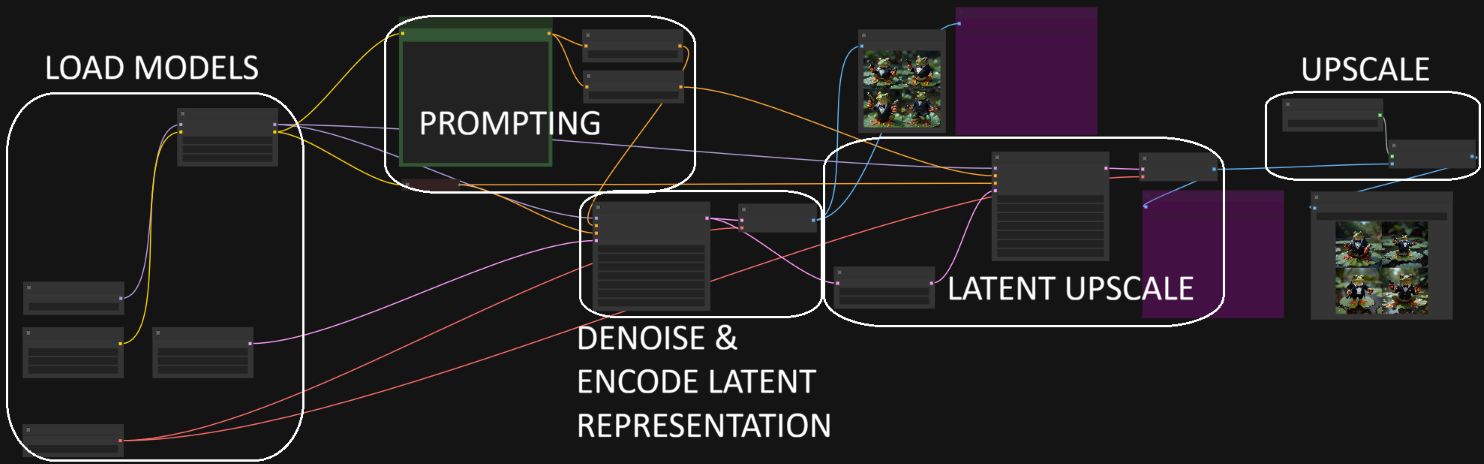
- 1.5× latent upscaling combined with a 4× ESRGAN upscaler for high-resolution output (1024×1024 → 6144×6144)
Workflow construction in ComfyUI is node-based (see the screenshot below): nodes are chained visually to encode prompts, generate images, apply guidance, upscale, and save, without writing Python code.
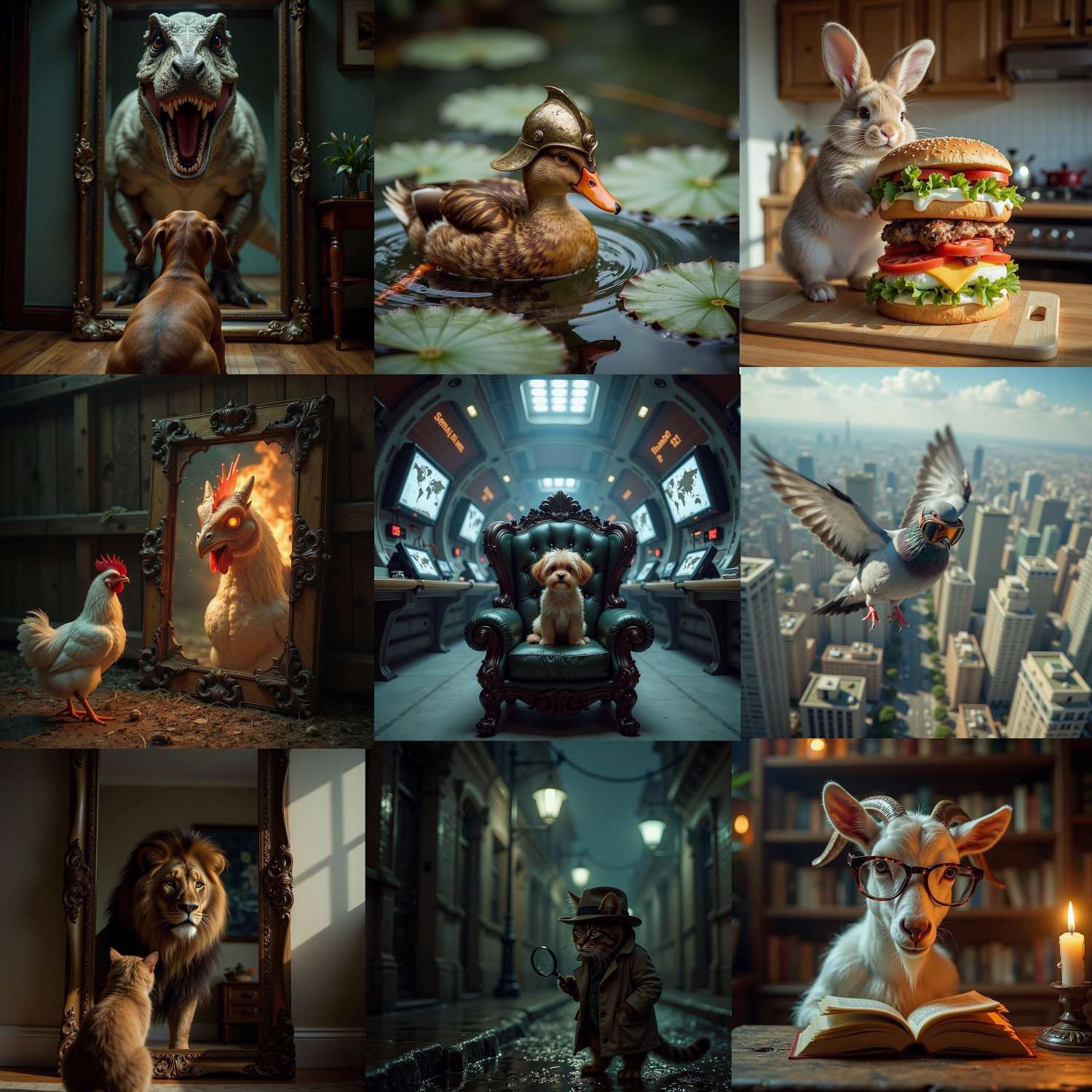
Here are a few example images I generated.
The next step is to train a dedicated LoRA in order to adapt the output to a specific subject.